SHOPPING BAG

Technical Assistance for Professional Coffee Machines
In case you need immediate assistance with your machine. choose the model of your machine and let us guide you through our videos.
Select your Machine

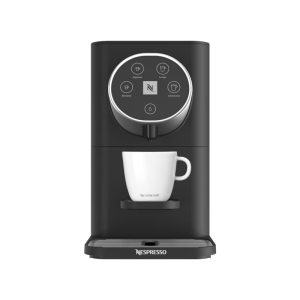
GIORNO MINI

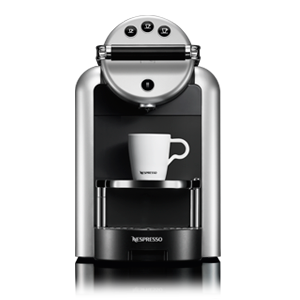
ZENIUS

MOMENTO BLACK

MOMENTO
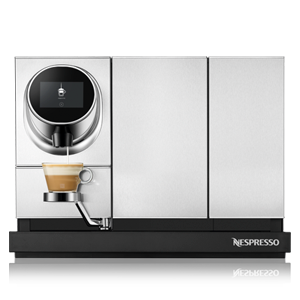
MOMENTO MILK
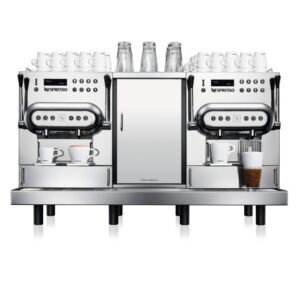
AGUILA

GEMINI
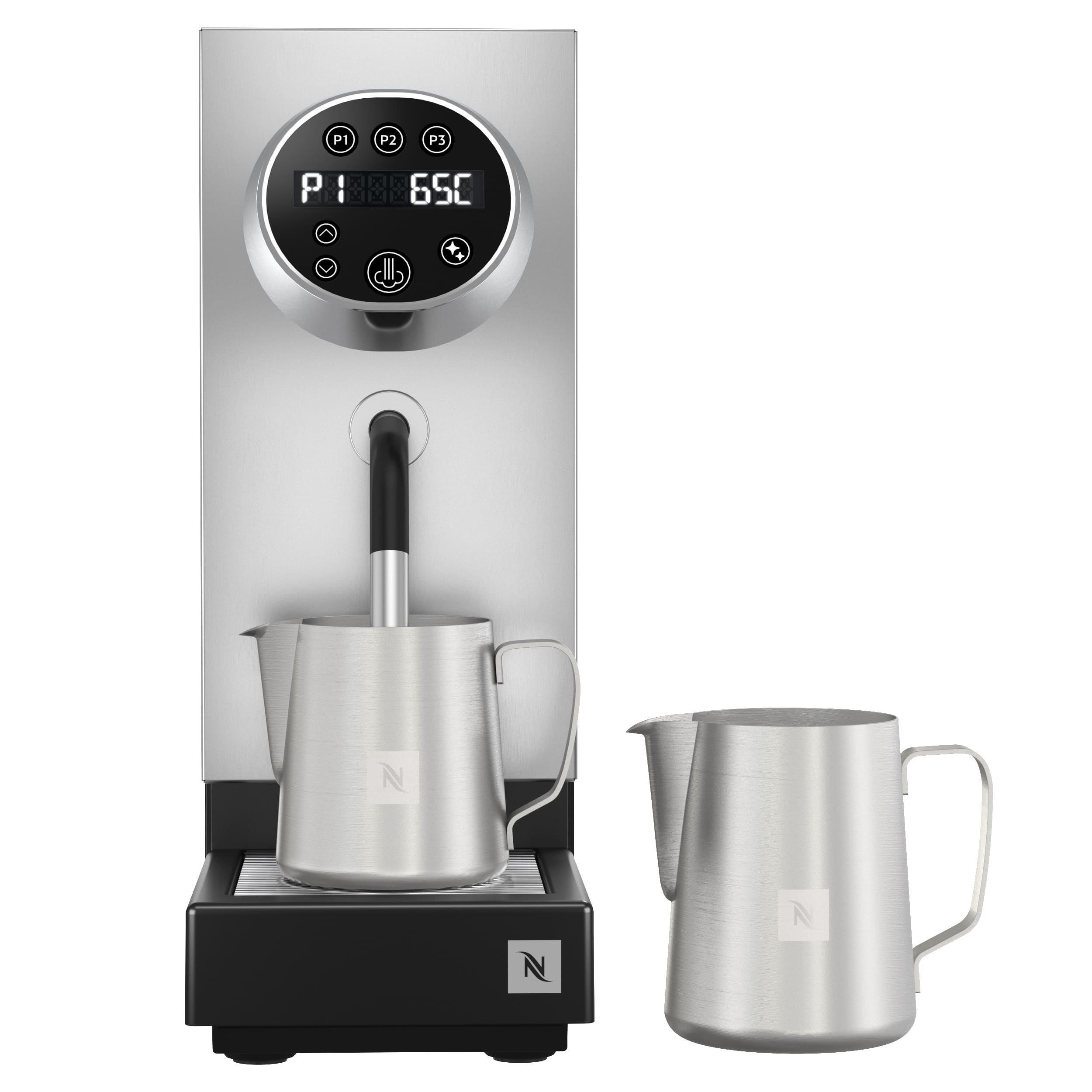
STEAMER PRO
GIORNO MINI
FAQ
Where can I see the user manual for the Giorno Mini machine;
ZENIUS
MAINTENANCE
FAQ
How do I descale the Zenius machine?
Please refer to the attached document for the complete descaling instructions.
What is the descaling indicator?
The machine indicates that descaling is required when all coffee buttons flash red sequentially in a circular pattern.
How often should the Zenius machine be descaled?
Descaling should be performed every six months or whenever the descaling indicator appears, whichever comes first. If bottled water or water from areas with high mineral content (hard water) is used, descaling is recommended every three months.
The machine lever does not stay down. How can it be fixed?
Check the screws securing the lever to the machine body and tighten them using a Torx T20 screwdriver. If the issue persists after tightening the screws, the machine should be sent to the service center for repair.
What is the correct way to use the machine (flushing)?
Before inserting a capsule, always check that it is not dented or damaged. After every few coffees, run a brewing cycle without a capsule by pressing one of the coffee buttons. This flushes the coffee outlet and removes any coffee residue.
The buttons are solid red. What does this mean?
If all the buttons remain solid red, the machine is unable to detect the water in the tank. Please ensure that:
- The water tank is filled above the minimum level.
- The water tank is correctly positioned, with the hooks properly engaged in the machine slots.
Can I connect the machine to a power strip?
No. The machine must be connected directly to a wall power outlet and should not be used with a power strip.
Where can I see the user manual for the Zenius machine?
PREPARING RECIPES
MOMENTO BLACK
MAINTENANCE
FAQ
How do I descale the Momento Black machine?
Please refer to the attached PDF for the complete descaling instructions.
Can I connect the machine to a power strip?
No. The machine must be connected directly to a wall power outlet and should not be used with a power strip.
What does the orange indicator on the machine mean?
Please refer to the User Manual for detailed information regarding the orange indicator and its meaning.
Where can I see the user manual for the machine?
MOMENTO COFFEE
MOMENTO COFFEE & COFFEE
MAINTENANCE
FAQ
Can I connect the machine to a power strip?
No. The machine must be connected directly to a wall power outlet and should not be used with a power strip.
What is the correct way to use the machine?
The water tanks, capsule containers, and drip trays must always be kept clean and dry. Before inserting a capsule, check that it is not dented or damaged.
How do I descale the machine?
Please refer to the attached PDF for the complete descaling instructions.
PREPARING RECIPES
MAINTENANCE
FAQ
Can I connect the machine to a power strip?
No. The machine must be connected directly to a wall power outlet and should not be used with a power strip.
What is the correct way to use the machine?
The water tanks, capsule containers, and drip trays must always be kept clean and dry. Before inserting a capsule, check that it is not dented or damaged.
How do I descale the machine?
Please refer to the attached PDF for the complete descaling instructions.
PREPARING RECIPES
MOMENTO MILK
MAINTENANCE
FAQ
Can I connect the machine to a power strip?
No. The machine must be connected directly to a wall power outlet and should not be used with a power strip.
What is the correct way to use the machine?
The water tanks, capsule containers, and drip trays must always be kept clean and dry.Before inserting a capsule into the machine, check that it is not dented or damaged.
How can I descale the Momento Coffee & Milk machine?
Please refer to the attached document for the complete descaling instructions.
What is the milk cleaning procedure?
Please refer to the attached document for the complete milk system cleaning instructions.
The machine does not recognize the water tank. What can I do?
Remove the water tank and clean it thoroughly, ensuring that there is no excess water or moisture on the tank and on the machine connection area where the tank is placed.
The machine does not activate milk-based recipes. What can I do?
From the home screen, select a milk-based recipe that appears inactive/greyed out. A message will appear on the screen explaining the reason why the milk recipe cannot be prepared at that moment.
Where can I see the user manual for the machine?
AGUILA 220
AGUILA 420
MAINTENANCE
FAQ
Can I replace a broken lever?
Yes. Please refer to the instructional video available here.
How do I perform the daily cleaning of the machine?
Please refer to the attached PDF for the complete daily cleaning instructions.
The machine is asking for cold milk. What can I do?
The machine requires milk at a temperature below 10°C to operate correctly. Please use milk that has been properly refrigerated and is taken directly from the refrigerator.
The machine displays the message "Service Required". What can I do?
This is a scheduled maintenance reminder and does not affect the machine's operation. Please contact our Service Department at +30 210 671 1007 to arrange the required maintenance.
The machine displays the message "Flowmeter Error". What can I do?
This message indicates that the machine is not receiving sufficient water pressure.Please ensure that the water supply is available. If water is available, switch the machine off using the red power button located underneath the machine, or unplug it from the power outlet for a few seconds before restarting it. If the error persists, please contact our Service Department at +30 210 671 1007.
Where can I see the user manual for the machine?
PREPARING RECIPES
MAINTENANCE
FAQ
Can I replace a broken lever?
Yes. Please refer to the instructional video available here.
How do I perform the daily cleaning of the machine?
Please refer to the attached PDF for the complete daily cleaning instructions.
The machine is asking for cold milk. What can I do?
The machine requires milk at a temperature below 10°C to operate correctly. Please use milk that has been properly refrigerated and is taken directly from the refrigerator.
The machine displays the message "Service Required". What can I do?
This is a scheduled maintenance reminder and does not affect the machine's operation. Please contact our Service Department at +30 210 671 1007 to arrange the required maintenance.
The machine displays the message "Flowmeter Error". What can I do?
This message indicates that the machine is not receiving sufficient water pressure.Please ensure that the water supply is available. If water is available, switch the machine off using the red power button located underneath the machine, or unplug it from the power outlet for a few seconds before restarting it. If the error persists, please contact our Service Department at +30 210 671 1007.
Where can I see the user manual for the machine?
PREPARING RECIPES
GEMINI 220
MAINTENANCE
FAQ
How do I descale the Gemini machine?
Please refer to the attached PDF for the complete descaling instructions.
The capsule insertion slot is blocked. What can I do?
If the capsule gate remains closed, it is likely that more than one capsule has become jammed inside the machine. Restart the machine and remove the used capsule container. Then, carefully try to remove the jammed or damaged capsule.
The coffee flow is reduced. What can I do?
If the coffee flow is slow or reduced, limescale has likely accumulated inside the machine. A descaling cycle is required to restore normal performance.
How often should the Gemini machine be descaled?
The machine should be descaled every six months or whenever the descaling indicator appears, whichever comes first. If bottled water or water from areas with high mineral content (hard water) is used, descaling is recommended every three months.
How often should the cappuccinatore be cleaned?
The cappuccinatore should be cleaned daily. Remove it, disassemble all of its individual components, and thoroughly clean them with warm water before reassembling.
What is the correct way to use the machine?
Keep the water tanks, used capsule containers, and drip trays clean and dry at all times. Before inserting a capsule, check that it is not dented or damaged. After every few coffees, run a brewing cycle without a capsule by pressing one of the coffee buttons. This helps flush the coffee outlet and remove any coffee residue.
Can I connect the machine to a power strip?
No. The machine must be connected directly to a wall power outlet and should not be used with a power strip.
PREPARING RECIPES
STEAMER PRO
FAQ
Where can I see the user manual for the Steamer Pro machine?
Accessories


Services
WHAT ELSE CAN WE DO FOR YOU?
When running a company, your time is valuable. You need reliable technical support and dedicated services which leave you free to concentrate on developing your business.
Whether it’s delivery within 48 hours or the loan of extra machines, Nespresso takes care of the details for you.
Phone Call
48h Intervention
Machine Set-up

Customized Payment Solution
NESPRESSO ASSISTANCE
DO YOU NEED IMMEDIATE ASSISTANCE FOR YOUR MACHINE?